Step 1 · Open & install in HACS (1-Click)
Each button opens HACS directly in your Home Assistant instance. Install Ironoxx’s integration first (restart HA & add Snapmaker U1 Card under Devices & services), then install the six frontend cards.
If HACS is new to you, follow the official setup for your installation type.
Step 2 · Get the dashboard files (ZIP or Terminal)
Pick whichever is faster for you: download everything bundled as one ZIP with folder layout, or run the one-liner in Home Assistant’s Terminal & SSH add-on.
Option A · Download ZIP or single files
Copy www/media/snapmaker-u1/showcase/* into /config/www/media/snapmaker-u1/showcase/ (and optionally u1_control_package.yaml into /config/packages/).
u1-fusion-showcase.u1.js ·
studio.png ·
close-up.png ·
u1_control_package.yaml
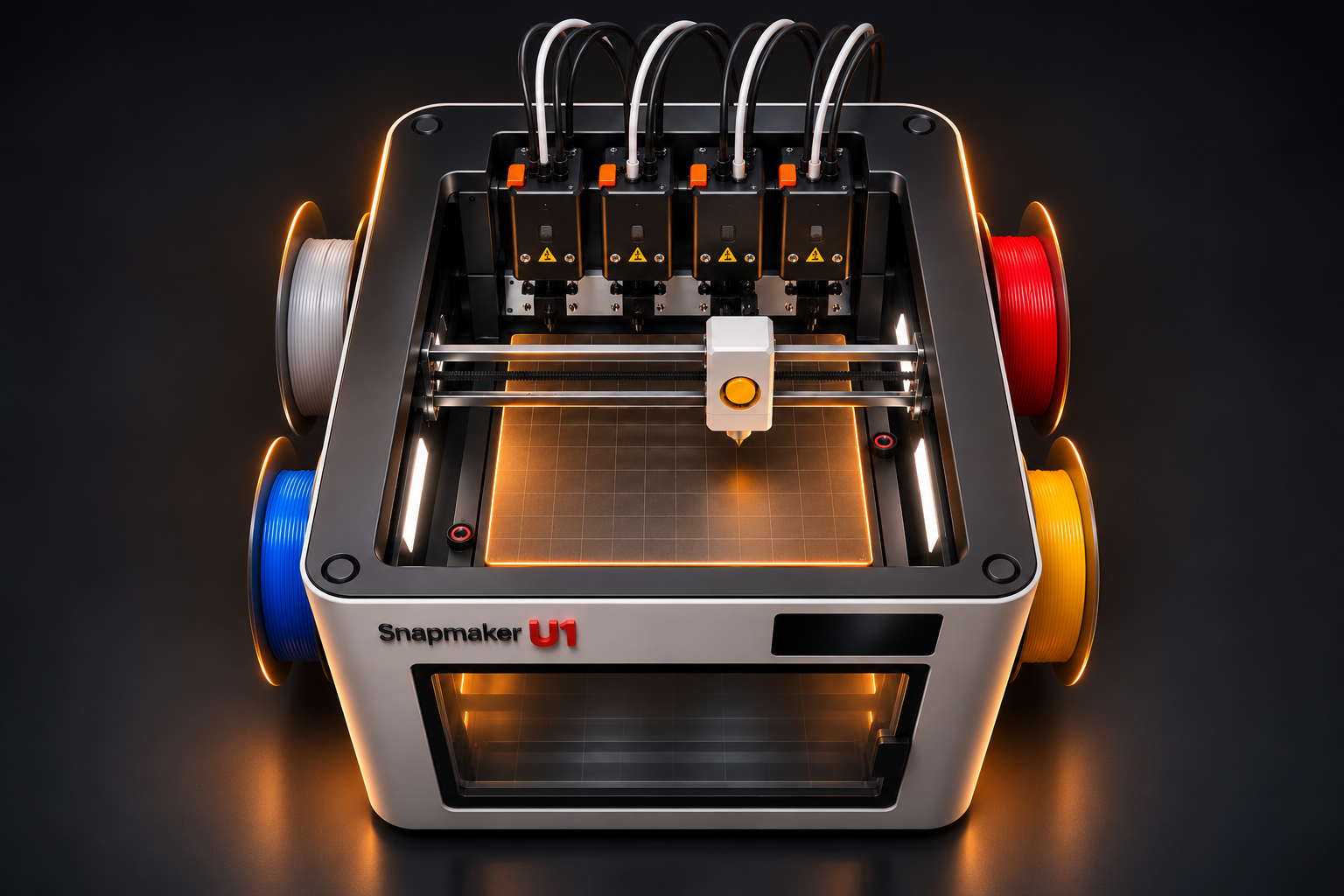
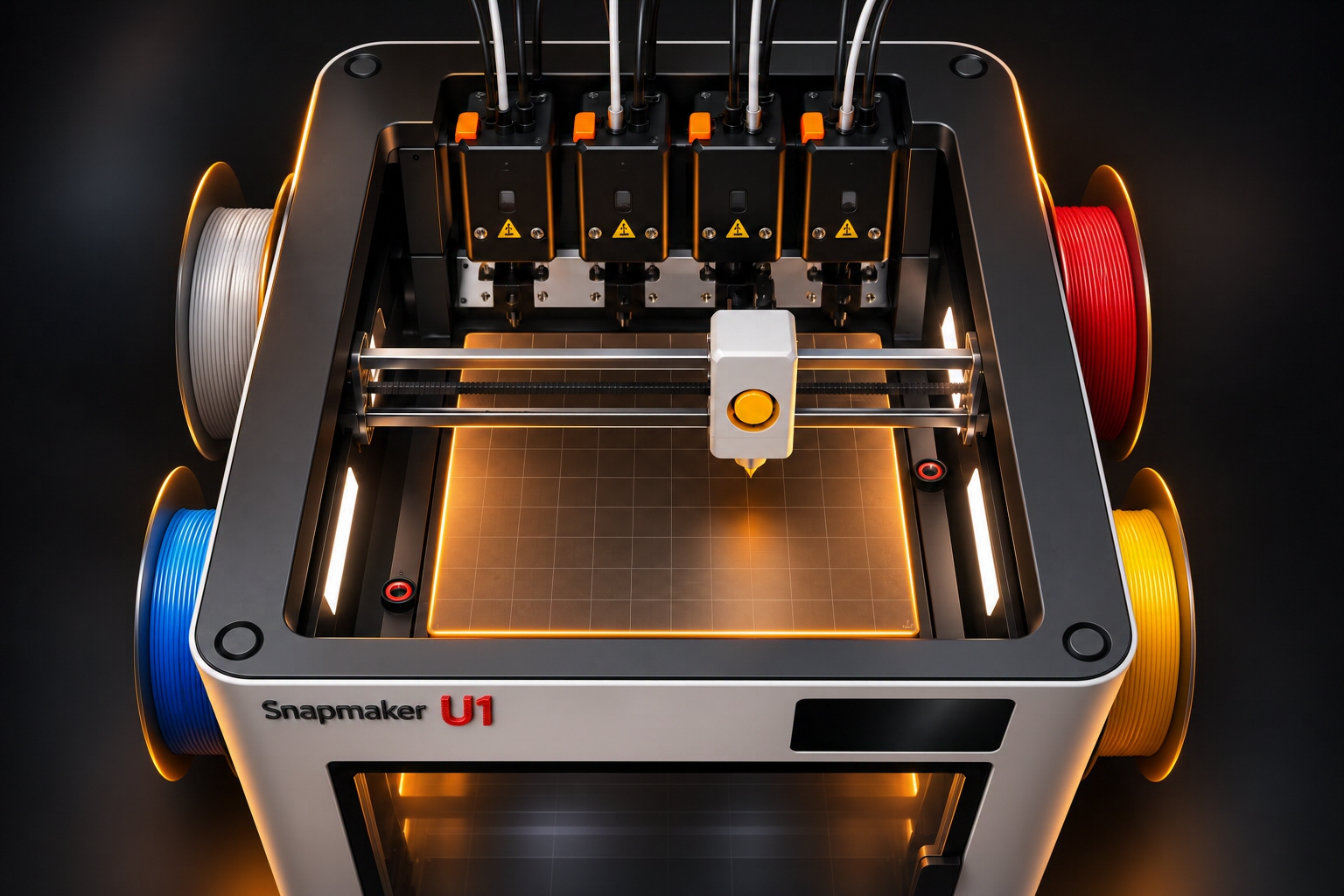
Option B · Terminal & SSH one-liner
Runs inside Home Assistant’s Terminal & SSH add-on: creates folders, downloads all files, and checks which HACS cards are already installed.
curl -fsSL https://raw.githubusercontent.com/Reaper2507/snapmaker-u1-homeassistant/main/homeassistant/install_ha.sh | bashStep 3 · Register card resource & import Dashboard YAML
- In Home Assistant: Settings → Dashboards → three-dot menu → Resources → add
/local/media/snapmaker-u1/showcase/u1-fusion-showcase.u1.jsas a JavaScript module. - Create a new dashboard, open the three-dot menu → Edit dashboard → Raw configuration editor, and paste the dashboard YAML below. Map the example entity IDs (
snapmaker_u1_card_*) if your printer integration uses different names.
Included: Cool after printing (bed cooldown fan)
Small cooling helper below Part cooling fan and inside u1_control_package.yaml: runs the side auxiliary fan (cavity_fan) after print completion (default: 5 min at 70 %) for easier part removal on PEI sheets. Stops automatically at ≤ 36 °C or when switched off.
Setup & helper entities · Download YAML
Show standalone automation YAML
alias: "Snapmaker U1 – Cool After Printing"
description: >-
  Runs the Snapmaker U1 side auxiliary fan (cavity_fan) after print completion
  to cool the print bed for easier part removal. Stops automatically on timer
  expiry, bed temperature <= 36 °C, manual toggle off, or a new print.
mode: restart
triggers:
  - trigger: state
    entity_id: sensor.snapmaker_u1_card_druckstatus
    from: "printing"
    to: "complete"
    id: print_complete
  - trigger: state
    entity_id: input_boolean.snapmaker_u1_cool_after_printing
    to: "off"
    id: toggle_off
actions:
  - choose:
      - conditions:
          - condition: trigger
            id: print_complete
          - condition: state
            entity_id: input_boolean.snapmaker_u1_cool_after_printing
            state: "on"
          - condition: state
            entity_id: binary_sensor.snapmaker_u1_card_live_verbindung
            state: "on"
          - condition: numeric_state
            entity_id: sensor.snapmaker_u1_card_betttemperatur
            above: 38
        sequence:
          - delay:
              seconds: 2
          - condition: state
            entity_id: input_boolean.snapmaker_u1_cool_after_printing
            state: "on"
          - condition: state
            entity_id: binary_sensor.snapmaker_u1_card_live_verbindung
            state: "on"
          - condition: state
            entity_id: sensor.snapmaker_u1_card_druckstatus
            state: "complete"
          - action: snapmaker_u1_card.send_gcode
            data:
              script: >-
                SET_FAN_SPEED FAN=cavity_fan SPEED={{ ((states('input_number.snapmaker_u1_cool_after_printing_speed') | float(70)) / 100) | round(2) }}
          - wait_for_trigger:
              - trigger: numeric_state
                entity_id: sensor.snapmaker_u1_card_betttemperatur
                below: 36.5
              - trigger: state
                entity_id: input_boolean.snapmaker_u1_cool_after_printing
                to: "off"
              - trigger: state
                entity_id: binary_sensor.snapmaker_u1_card_live_verbindung
                to: "off"
              - trigger: state
                entity_id: sensor.snapmaker_u1_card_druckstatus
                to:
                  - "printing"
                  - "paused"
            timeout:
              minutes: "{{ states('input_number.snapmaker_u1_cool_after_printing_minutes') | int(5) }}"
            continue_on_timeout: true
          - if:
              - condition: not
                conditions:
                  - condition: state
                    entity_id: sensor.snapmaker_u1_card_druckstatus
                    state:
                      - "printing"
                      - "paused"
              - condition: state
                entity_id: binary_sensor.snapmaker_u1_card_live_verbindung
                state: "on"
            then:
              - action: snapmaker_u1_card.send_gcode
                data:
                  script: "SET_FAN_SPEED FAN=cavity_fan SPEED=0"
      - conditions:
          - condition: trigger
            id: toggle_off
          - condition: state
            entity_id: binary_sensor.snapmaker_u1_card_live_verbindung
            state: "on"
          - condition: not
            conditions:
              - condition: state
                entity_id: sensor.snapmaker_u1_card_druckstatus
                state:
                  - "printing"
                  - "paused"
        sequence:
          - action: snapmaker_u1_card.send_gcode
            data:
              script: "SET_FAN_SPEED FAN=cavity_fan SPEED=0"
Optional: print completion chime and light
The chamber light reverses state for 1.2 seconds on entry into the last valid layer. Confirmed completion is the fallback. The Alexa bell_02 chime attempts to play near 99.9% or at completion, depending on telemetry.
Setup & entity mapping · Download YAML
Show YAML
alias: "Snapmaker U1 – Fertigdruck-Fanfare & Licht (Letzter Layer & Ende)"
description: >-
  Spielt den Alexa-Sound 'bell_02' bei 99,9% bzw. Druckende ab und lässt das
  Bauraumlicht beim Eintritt in die letzte Schicht (Last Layer) 1,2 Sekunden sichtbar
  blinken (Gegenphase), damit man das Signal auch bei aktiver nativer Lichtabschaltung sieht.
triggers:
  - trigger: numeric_state
    entity_id: sensor.snapmaker_u1_card_fortschritt
    above: 99.89
    id: early_chime
  - trigger: state
    entity_id: sensor.snapmaker_u1_card_schicht
    to: null
    id: last_layer
  - trigger: state
    entity_id: sensor.snapmaker_u1_card_druckstatus
    from: printing
    to: complete
    id: complete
conditions:
  - condition: or
    conditions:
      - condition: trigger
        id: complete
      - condition: and
        conditions:
          - condition: trigger
            id: early_chime
          - condition: state
            entity_id: sensor.snapmaker_u1_card_druckstatus
            state: printing
          - condition: template
            value_template: "{{ trigger.from_state is not none and is_number(trigger.from_state.state) }}"
      - condition: and
        conditions:
          - condition: trigger
            id: last_layer
          - condition: state
            entity_id: sensor.snapmaker_u1_card_druckstatus
            state: printing
          - condition: state
            entity_id: binary_sensor.snapmaker_u1_card_live_verbindung
            state: "on"
          - condition: template
            value_template: >-
              {% set before = trigger.from_state %}
              {% set after = trigger.to_state %}
              {% if before is none or after is none %}
                {{ false }}
              {% else %}
                {% set total = after.attributes.get('total_layers') | int(0) %}
                {{ total > 0
                   and before.attributes.get('total_layers') | int(0) == total
                   and is_number(before.state) and before.state | int(-1) < total
                   and is_number(after.state) and after.state | int(-1) == total }}
              {% endif %}
actions:
  - parallel:
      - alias: "Glocke zum Druckende"
        sequence:
          - if:
              - condition: trigger
                id: last_layer
            then:
              - wait_template: >-
                  {{ states('sensor.snapmaker_u1_card_druckstatus') not in ['printing', 'paused']
                     or (is_state('sensor.snapmaker_u1_card_druckstatus', 'printing')
                         and states('sensor.snapmaker_u1_card_fortschritt') | float(-1) > 99.89) }}
                timeout: "02:00:00"
                continue_on_timeout: false
          - condition: or
            conditions:
              - condition: state
                entity_id: sensor.snapmaker_u1_card_druckstatus
                state: complete
              - condition: and
                conditions:
                  - condition: state
                    entity_id: sensor.snapmaker_u1_card_druckstatus
                    state: printing
                  - condition: numeric_state
                    entity_id: sensor.snapmaker_u1_card_fortschritt
                    above: 99.89
          - action: media_player.play_media
            target:
              entity_id: media_player.your_alexa_echo_device
            data:
              media_content_type: sound
              media_content_id: bell_02
            continue_on_error: true
          - wait_template: "{{ states('sensor.snapmaker_u1_card_druckstatus') not in ['printing', 'paused'] }}"
            timeout: "00:15:00"
            continue_on_timeout: false

      - alias: "Innenraumlicht einmal sichtbar blinken lassen"
        sequence:
          - if:
              - condition: trigger
                id: early_chime
            then:
              - wait_template: "{{ states('sensor.snapmaker_u1_card_druckstatus') not in ['printing', 'paused'] }}"
                timeout: "00:15:00"
                continue_on_timeout: false
          - condition: or
            conditions:
              - condition: and
                conditions:
                  - condition: trigger
                    id: last_layer
                  - condition: state
                    entity_id: sensor.snapmaker_u1_card_druckstatus
                    state: printing
              - condition: state
                entity_id: sensor.snapmaker_u1_card_druckstatus
                state: complete
          - condition: state
            entity_id: binary_sensor.snapmaker_u1_card_live_verbindung
            state: "on"
          - condition: state
            entity_id: light.snapmaker_u1_card_innenraumlicht
            state:
              - "on"
              - "off"
          - variables:
              light_before: "{{ states('light.snapmaker_u1_card_innenraumlicht') }}"
          - if:
              - condition: template
                value_template: "{{ light_before == 'on' }}"
            then:
              - action: light.turn_off
                target:
                  entity_id: light.snapmaker_u1_card_innenraumlicht
                continue_on_error: true
            else:
              - action: light.turn_on
                target:
                  entity_id: light.snapmaker_u1_card_innenraumlicht
                continue_on_error: true
          - wait_template: "{{ is_state('light.snapmaker_u1_card_innenraumlicht', 'off' if light_before == 'on' else 'on') }}"
            timeout: "00:00:04"
            continue_on_timeout: true
          - delay:
              milliseconds: 1200
          - if:
              - condition: template
                value_template: "{{ light_before == 'on' }}"
              - condition: not
                conditions:
                  - condition: and
                    conditions:
                      - condition: trigger
                        id: last_layer
                      - condition: state
                        entity_id: sensor.snapmaker_u1_card_druckstatus
                        state: complete
                      - condition: state
                        entity_id: switch.snapmaker_u1_card_licht_aus_nach_dem_druck
                        state: "on"
            then:
              - action: light.turn_on
                target:
                  entity_id: light.snapmaker_u1_card_innenraumlicht
            else:
              - action: light.turn_off
                target:
                  entity_id: light.snapmaker_u1_card_innenraumlicht
mode: single
max_exceeded: silent
Install with an AI assistant
Copy the prompt into an assistant with Home Assistant admin and file access. It installs the dashboard and checks what is running.
Show installation prompt
Install the Snapmaker U1 Community Dashboard and its custom Lovelace card in my Home Assistant. Carry out the installation using the Home Assistant admin/API, HACS and file-access tools available to you. Reply in my language.

1. Read the installation guide: https://github.com/Reaper2507/snapmaker-u1-homeassistant/blob/main/homeassistant/README.md
2. Check my Home Assistant version, HACS and the Snapmaker U1 Card integration by Ironoxx. Install missing prerequisites when your tools allow it. Discover the configured Snapmaker U1 and its entities. If setup requires the printer address, authentication or an integration step you cannot perform, ask me for that exact item and continue with independent steps.
3. Install or verify the six required Lovelace cards: button-card, card-mod, slider-entity-row, vertical-stack-in-card, apexcharts-card and config-template-card. Check their registered resources.
4. Download these files and place all three under /config/www/media/snapmaker-u1/showcase/
   https://raw.githubusercontent.com/Reaper2507/snapmaker-u1-homeassistant/main/homeassistant/www/u1-fusion-showcase.u1.js
   https://raw.githubusercontent.com/Reaper2507/snapmaker-u1-homeassistant/main/homeassistant/www/studio.png
   https://raw.githubusercontent.com/Reaper2507/snapmaker-u1-homeassistant/main/homeassistant/www/close-up.png
   Register /local/media/snapmaker-u1/showcase/u1-fusion-showcase.u1.js as a JavaScript module. Verify the files are served and avoid registering a duplicate resource.
5. Download https://raw.githubusercontent.com/Reaper2507/snapmaker-u1-homeassistant/main/homeassistant/u1_dashboard_complete.yaml
   Map the example entity IDs to my configured Snapmaker U1. Import the three views into a separate Snapmaker U1 dashboard. Reuse this project dashboard on a retry if you can identify it reliably. Back up a dashboard before modifying it and keep unrelated dashboards and resources intact.
6. Read back the dashboard and resource, then verify the three views and passive telemetry (printer status, temperatures, camera and progress). Do not trigger printer motion, heating or emergency stop during this check. Leave optional extras for a separate request. Report completed steps, verification and any exact manual action still needed.